

Square Product Box Mockup
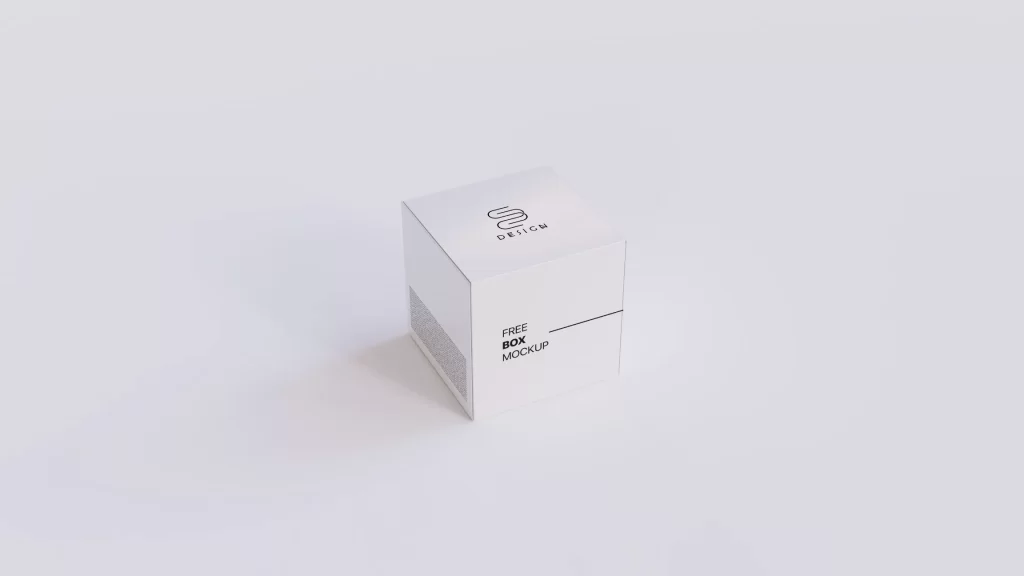
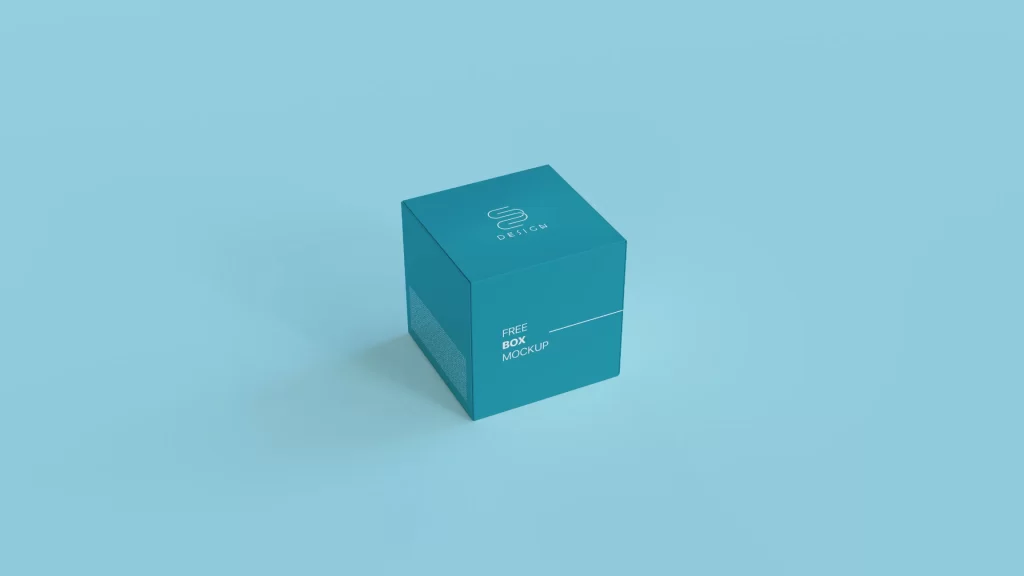
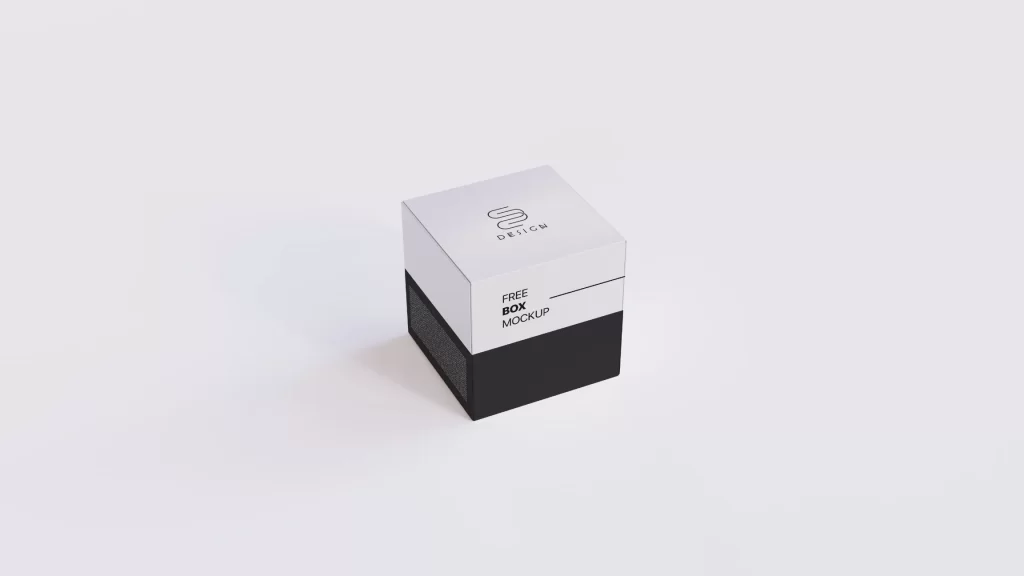
When it comes to packaging design, presentation is everything. I developed this Square Product Box Mockup to give your branding projects the premium, studio-quality showcase they require. Featuring a single, perfectly angled square box against a seamless, minimalist background, this setup forces the viewer’s focus directly onto your typography, logo work, and surface patterns.
Engineered in ultra-crisp 8K resolution, this PSD file guarantees that even the most intricate design details remain razor-sharp, whether viewed on a standard display or a high-density retina screen. The mockup is built with efficiency in mind; utilizing smart object layers, you can seamlessly map your flat designs onto the 3D surface in seconds. Furthermore, the file offers complete color control, allowing you to fine-tune the box panels and the background to match your exact brand palette—whether you are aiming for a clinical white, a moody black, or a vibrant brand color. Perfect for premium brand identities, eCommerce product shots, or portfolio case studies. Free to download and available for personal and commercial use.
You may use this asset in unlimited personal and commercial projects. Attribution is not required. Resale, redistribution, or direct hosting is strictly prohibited. All downloads must link back to sinisazec.com.
Read full License and Usage Terms
Free
If you like this free asset, please consider subscribing and supporting me on social media!
FAQ
What are PSD Mockups?
PSD Mockups are customizable templates created in Adobe Photoshop format (.psd) that allow you to showcase your designs, artwork, or products in a realistic and professional manner.
What makes your PSD Mockups unique?
My PSD Mockups are crafted in stunning 8K resolution, providing exceptional clarity and detail. They feature smart layers, enabling easy customization of your designs, and are meticulously organized for seamless editing.
How do I use the smart layers in your mockups?
Simply double-click on the smart layer thumbnail within the PSD file. This will open a new window where you can insert your design or artwork. Once you’ve added your content, save the changes, and it will automatically update in the main mockup file.
Are your mockups compatible with Photoshop versions other than the latest?
While I recommend using the latest version of Adobe Photoshop for optimal performance, my mockups are generally compatible with older versions as well. However, some advanced features may not be available in older versions.
Can I use your mockups for commercial projects?
Yes, you can use my mockups in unlimited commercial projects, including client work, advertising, and websites. Just remember, you cannot resell or redistribute the mockups themselves. Read full License and Usage Terms
Do you provide customer support or assistance with using the mockups?
Yes, I’m here to help. If you encounter any issues or have questions about using my mockups, please don’t hesitate to reach out to me for assistance.







